
Burn-After-Read Notes: When They Make Sense
Burn-after-read notes are useful for short-lived secrets, temporary credentials, and sensitive one-off messages—but they are not magic. Learn when they make sense and how to use them well.
What is a burn-after-read note?
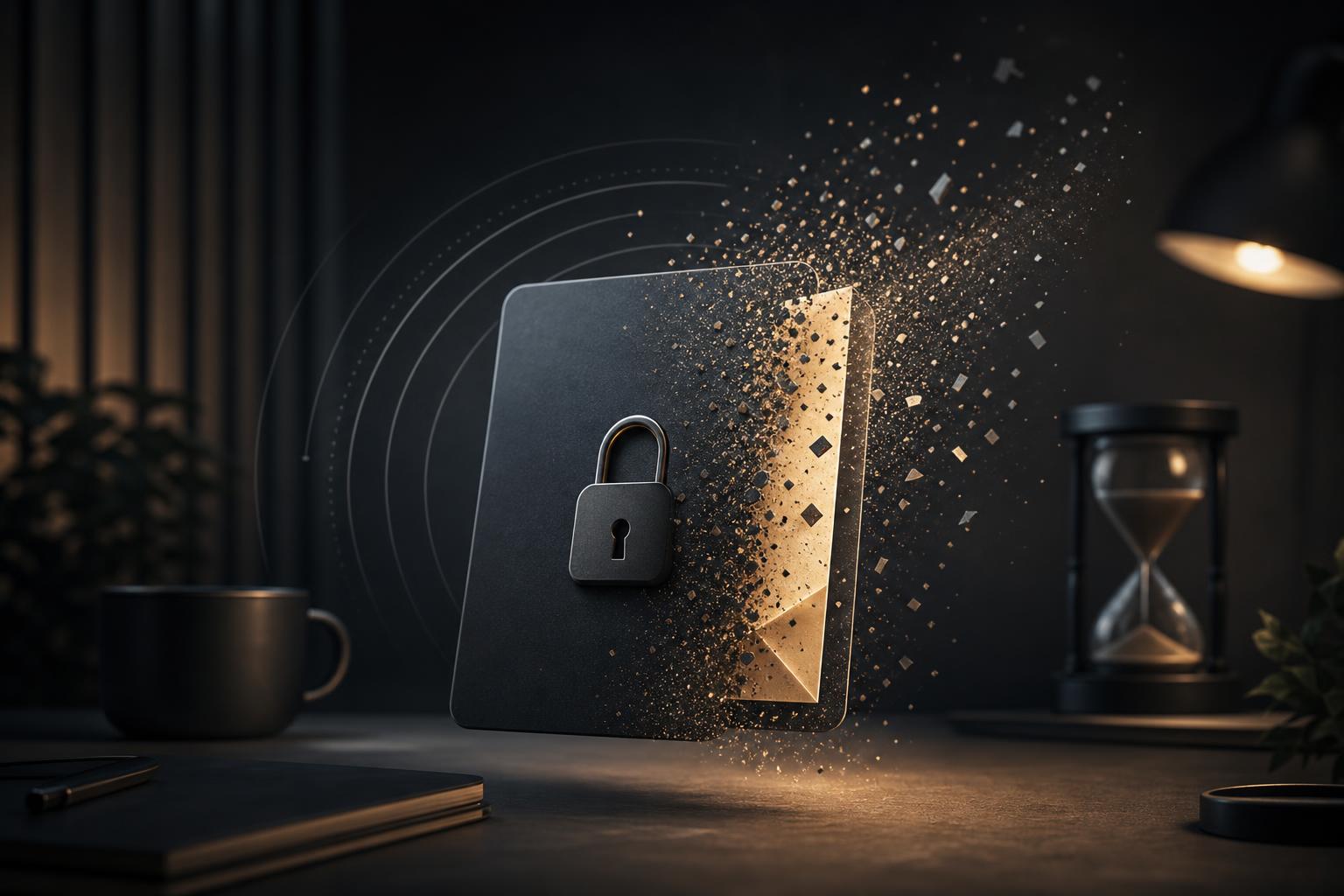
A burn-after-read note is a private message that is designed to disappear after it has been opened. Instead of leaving a sensitive value in chat history, an email thread, a ticketing system, or a shared document, you place the message behind a temporary link. The recipient opens the link, reads the message, and the note becomes unavailable afterward.
This pattern is useful when the information is important enough to avoid permanent storage, but small enough that you do not need a full document workflow. Think of temporary credentials, one-time recovery details, short instructions, internal test data, private onboarding notes, or a client handoff message that should not live forever.
With GhostNote, you can create encrypted note links for burn-after-read messages and other short-lived private sharing scenarios. The goal is not to make every conversation secret. The goal is to reduce unnecessary copies of sensitive information in places where people forget to clean up.
Why permanent chat and email history can be a problem
Most teams move quickly. A founder sends a staging password in Slack. A developer pastes an API token into a support thread. A QA tester drops a temporary login into a project management comment. A contractor receives a private URL by email.
Each of those actions may feel harmless in the moment, especially if the credential is temporary. But the message often remains searchable long after it was needed. Months later, the same chat workspace may include old tokens, client details, credentials, invite links, database snippets, and debugging context. Even if access is limited, long-lived history increases the number of places sensitive data can sit unnoticed.
Burn-after-read notes help by changing the default. Instead of asking everyone to remember to delete messages later, the secret is shared through a link that is meant to expire or become unreadable after use. That does not solve every security problem, but it does reduce avoidable residue.
If you are sharing passwords, API keys, recovery codes, or temporary credentials, the workflow in How to Share Passwords Safely Without Permanent Chat History pairs naturally with burn-after-read notes.
When burn-after-read notes make sense
1. Sharing temporary credentials
Burn-after-read notes are a strong fit for short-lived credentials that only one person needs to see once. Examples include:
- A staging environment password for a client demo
- A temporary admin login for QA verification
- A one-time recovery code for an account handoff
- A test account password for a contractor
- A short-lived API key that will be rotated after use
The key phrase is temporary. If a credential will remain valid indefinitely, a disappearing note only limits message history; it does not make the credential itself safe forever. For anything long-lived, rotate it, scope it narrowly, and consider using a dedicated password manager or secrets manager.
A practical workflow:
- Generate or reset the credential.
- Put only the credential and essential context in a GhostNote burn-after-read message.
- Send the note link through your normal communication channel.
- Confirm the recipient accessed it.
- Rotate or revoke the credential when the task is complete.
This keeps the chat thread useful without turning it into a secret archive.
2. Sending private one-off instructions
Sometimes the sensitive part is not a password. It might be a private customer detail, a temporary workaround, an internal URL, an incident note, or a confidential decision that only needs to be seen once.
For example:
- “Use this temporary endpoint for today’s test.”
- “Here is the private preview link for the unreleased landing page.”
- “This customer’s account has a special migration condition.”
- “Use this phone number only for the scheduled verification call.”
These messages are easy to paste into chat, but they often do not belong in permanent history. A burn-after-read note gives the recipient the needed context while keeping the durable conversation cleaner.
3. Client handoffs and contractor access
Small teams often work with freelancers, agencies, consultants, and clients who are outside the core workspace. That creates a sharing problem: you need to send something quickly, but you may not want to invite the recipient into your internal tools or store private details in email.
Burn-after-read notes are useful for narrow handoffs such as:
- A temporary dashboard login
- A short onboarding note
- A private project access link
- A one-time instruction for publishing, DNS, analytics, or QA
- A confirmation code copied from another system
The best practice is to keep the note minimal. Do not place a full project brief, internal discussion, and credential in the same message. Share only what the recipient needs for the immediate task.
4. QA, debugging, and test operations
QA testers and developers often need to exchange data that should not become permanent: reproduction steps involving private accounts, temporary feature flags, test credentials, or links to limited-access builds.
A burn-after-read note is useful when the item is short and sensitive. If the debugging context is longer—such as logs, stack traces, JSON payloads, config examples, or code snippets—a private paste is often a better shape. Use GhostPaste for private pastebin links when the content is structured, multi-line, or needs to be copied precisely.
For more examples, see Private Pastebin Workflows for Logs, Config, and Code Snippets. A simple rule of thumb: use a note for a short secret or instruction; use a paste for longer technical context.
5. Reducing sensitive clutter in support conversations
Support teams, indie founders, and technical operators often receive sensitive details from users: account identifiers, screenshots, invite links, test credentials, or environment-specific notes. Not all of it should be stored forever in the main support thread.
Burn-after-read notes can help when you need to send sensitive information back to a user or teammate without leaving it in the ticket. They are especially helpful for temporary workarounds, short-lived access details, or private confirmation messages.
That said, do not use disappearing notes to avoid necessary recordkeeping. If your team needs an audit trail, support history, or formal approval record, store the appropriate non-sensitive summary in your system of record. The burn-after-read note should carry the sensitive payload, not replace operational discipline.
When burn-after-read notes are not the right tool
They are not a replacement for access control
A disappearing note helps reduce persistence, but it does not decide who should have access. If you send the link to the wrong person, or post it in a large channel, the burn-after-read behavior cannot fix that mistake.
Before sending, ask:
- Does this recipient actually need the secret?
- Is the channel appropriate for delivering the link?
- Should the credential be scoped or time-limited?
- Can the secret be rotated after use?
Treat the note link as sensitive until it has been opened and destroyed.
They are not ideal for multi-person review
Burn-after-read is usually best for one recipient. If multiple people need to read the same information, a single-use note can create confusion: the first person opens it, and everyone else sees nothing.
For group coordination, choose a tool that matches the workflow. If several people need to compare responses privately, use GhostPoll for anonymous polls and private voting links. If a group needs to reveal secrets at the same time—such as estimates, bids, or decisions—use GhostPact for simultaneous secret reveals.
They do not prevent screenshots or copying
No lightweight note-sharing tool can stop a recipient from copying the content, taking a screenshot, photographing the screen, or storing the value elsewhere. Burn-after-read notes are about minimizing accidental long-term storage, not controlling a recipient who already has access.
That distinction matters. Use burn-after-read notes with people and systems you trust for the purpose at hand. For adversarial situations, high-risk secrets, regulated workflows, or formal compliance needs, use dedicated security processes and professional guidance.
They are not for large files
A note is the wrong container for binaries, archives, design files, videos, or large attachments. If you need to share a file privately for a limited time, use GhostDrop for anonymous file sharing with expiring links. Expiring file links are better suited to QA builds, exported reports, temporary assets, and client handoff files.
If you are deciding between a temporary file link and a more permanent cloud-share link, read Expiring File Links vs Permanent Cloud-Share Links.
Decision criteria: should this be a burn-after-read note?
Use this checklist before creating a burn-after-read message.
Use a burn-after-read note when:
- The content is short.
- The recipient only needs to read it once.
- The message contains a secret, private instruction, temporary credential, or sensitive context.
- You want to avoid permanent chat, email, or ticket history.
- The credential can be rotated, revoked, or expires naturally.
- The recipient is known and expected to act soon.
Use another tool when:
- The content is long, structured, or code-like: use GhostPaste.
- The content is a file: use GhostDrop.
- The recipient needs a temporary inbox for signup or testing: use GhostMail.
- The group needs anonymous feedback: use GhostPoll.
- Several people must reveal answers simultaneously: use GhostPact.
- The content must be retained for business, legal, compliance, or audit reasons: use your official system of record.
The best private sharing workflow is not always the most restrictive one. It is the one that fits the shape, sensitivity, and lifetime of the information.
Practical examples
Example: staging password for a client demo
A founder needs to send a staging login to a client before a product review. Instead of emailing the password, the founder creates a GhostNote message with:
- The staging URL
- The temporary username
- The temporary password
- A note that access will be removed after the review
The founder sends the link in the client’s normal project thread and confirms receipt. After the demo, the password is changed or the account is disabled.
Why this works: the client gets what they need, the project thread does not retain the credential, and the access is temporary.
Example: developer debugging with logs and a token
A developer needs help debugging an integration. The stack trace and request payload are several hundred lines long, but one temporary token is also needed.
A good workflow is to split the content:
- Put logs and payload examples in GhostPaste.
- Put the temporary token in a burn-after-read GhostNote.
- Mention in chat that the token will be revoked after debugging.
Why this works: technical context remains readable and formatted, while the actual secret avoids permanent history.
Example: QA tester receiving a one-time account
A QA tester needs to verify a bug using a special test account. The product manager creates a note with the login details and a short instruction: “Use only for checkout regression testing; account resets tonight.”
The tester opens the note, copies the credentials into the test environment, and completes the task. The account is reset after testing.
Why this works: the credential is temporary, the task is narrow, and the note avoids cluttering the QA ticket with reusable login details.
Example: private signup testing
An indie hacker wants to test onboarding flows without using a personal inbox. They use GhostMail to create a temporary email address for the signup, then use a burn-after-read note to send the resulting test account details to a collaborator.
Why this works: the test identity is separated from the main inbox, and the account details are not left in a long-lived chat thread.
Good habits for burn-after-read workflows
Keep the note small
Do not turn a burn-after-read note into a hidden document. The more information you put in it, the harder it is for the recipient to process quickly, and the more likely they are to copy it elsewhere. Keep it focused on the sensitive payload and essential context.
Separate context from secrets
Put durable, non-sensitive context in the normal thread: “Here is the temporary staging login for today’s QA pass.” Put the secret itself in the note. This keeps the conversation understandable later without preserving the sensitive value.
Prefer short-lived and scoped secrets
A burn-after-read note is much more useful when the secret itself is temporary or limited. Use credentials that expire, accounts with narrow permissions, and tokens that can be revoked. Avoid sharing broad, permanent access unless there is no better option.
Confirm receipt without repeating the secret
After sending the link, ask the recipient to confirm they opened it. Do not paste the secret again if they missed it. If the note was opened by mistake or expired before use, create a new secret when possible rather than reusing the old one.
Rotate after the task
For passwords, API keys, temporary accounts, and recovery codes, build rotation into the workflow. The note disappearing is only one part of the process. The underlying access should also have a clear end.
A simple rule of thumb
Use burn-after-read notes for short, sensitive, one-time information that should not live in permanent message history. They make the most sense when the recipient is known, the task is immediate, and the secret can expire or be rotated.
Use GhostNote when you need an encrypted burn-after-read message. Use GhostPaste for longer technical text, GhostDrop for expiring files, GhostMail for disposable inboxes, GhostPoll for private voting, and GhostPact for simultaneous reveals.
The point is not secrecy for its own sake. It is reducing unnecessary exposure, keeping sensitive data out of places it does not belong, and giving small teams a lightweight way to share private information with less cleanup later.